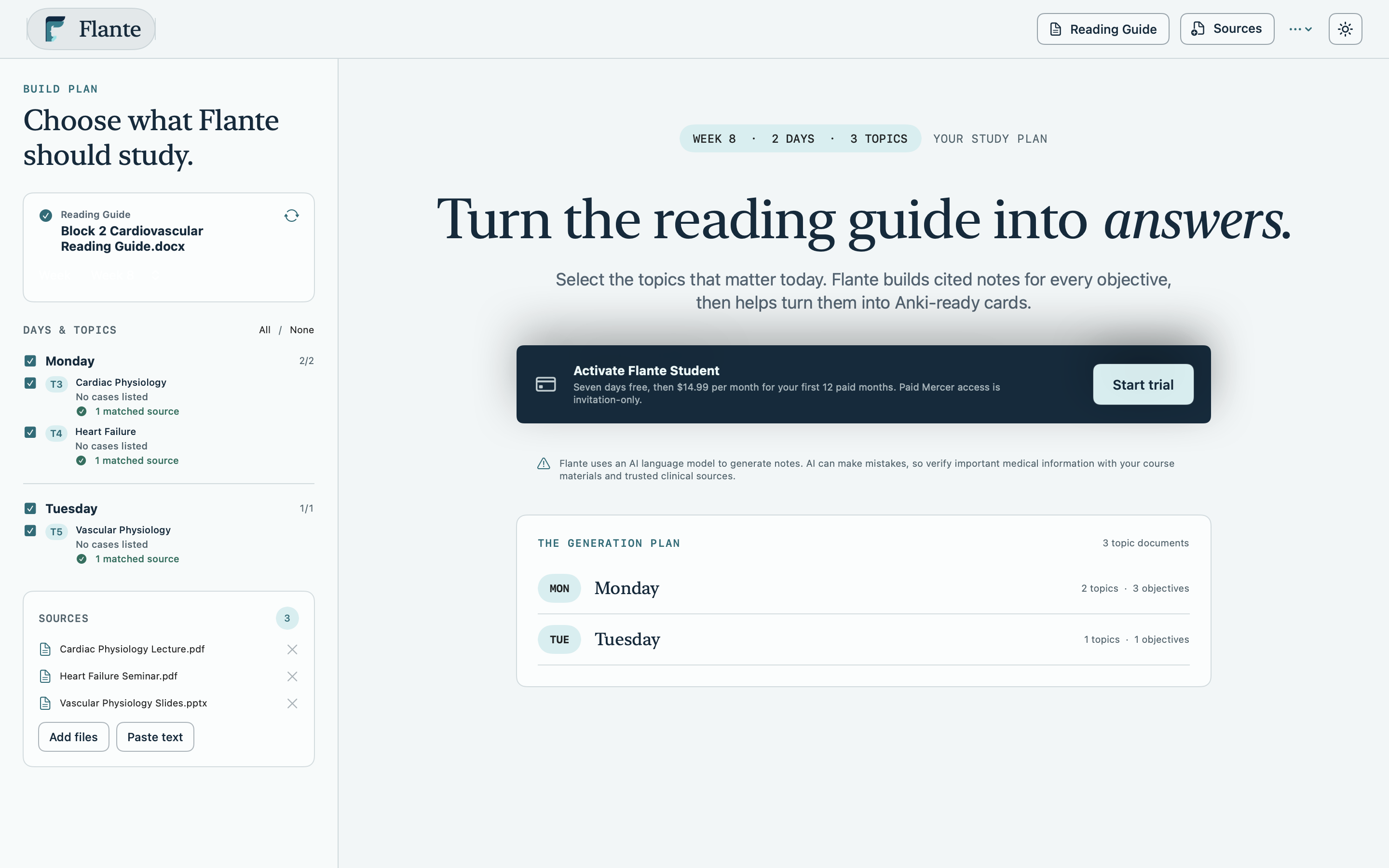
1. Import your reading guide
Choose Import PBL Reading Guide and select a DOCX, PDF, TXT, Markdown, or RTF schedule. Flante recognizes detailed weekly reading guides as well as simpler week, day, topic, and objective headings.
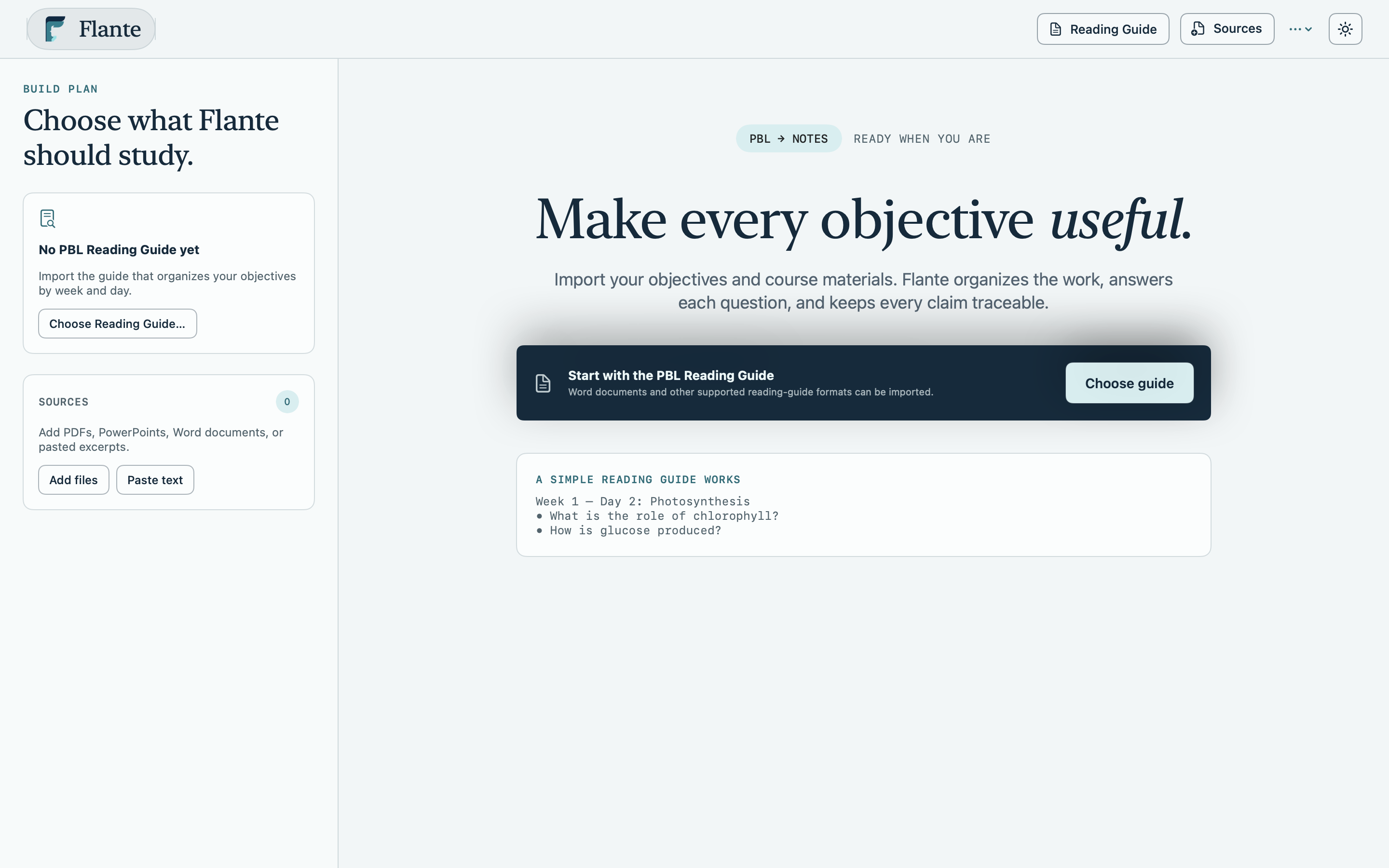
2. Choose the week and topics
Open the week menu, check the days you are studying, then choose one or more topic groups. The generation plan shows exactly how many topics and objectives will run.
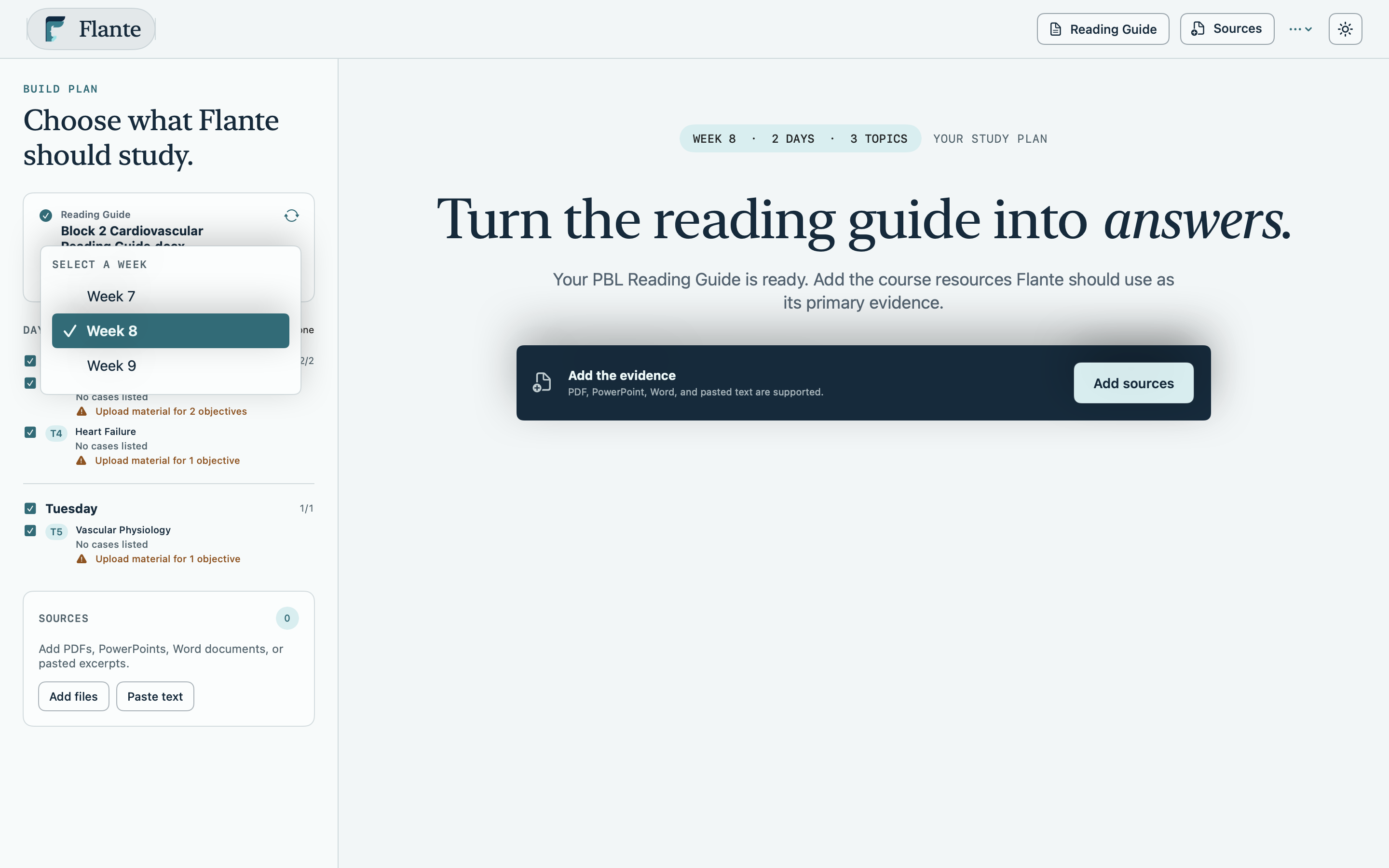
Good to know: Flante never silently substitutes external literature for your course material. The evidence origin stays visible in the preview and export.
3. Add course resources
Use Add Resources for PDF, Word, PowerPoint, text, Markdown, or RTF files. You can also paste a permitted textbook excerpt and give it a source title for citations.
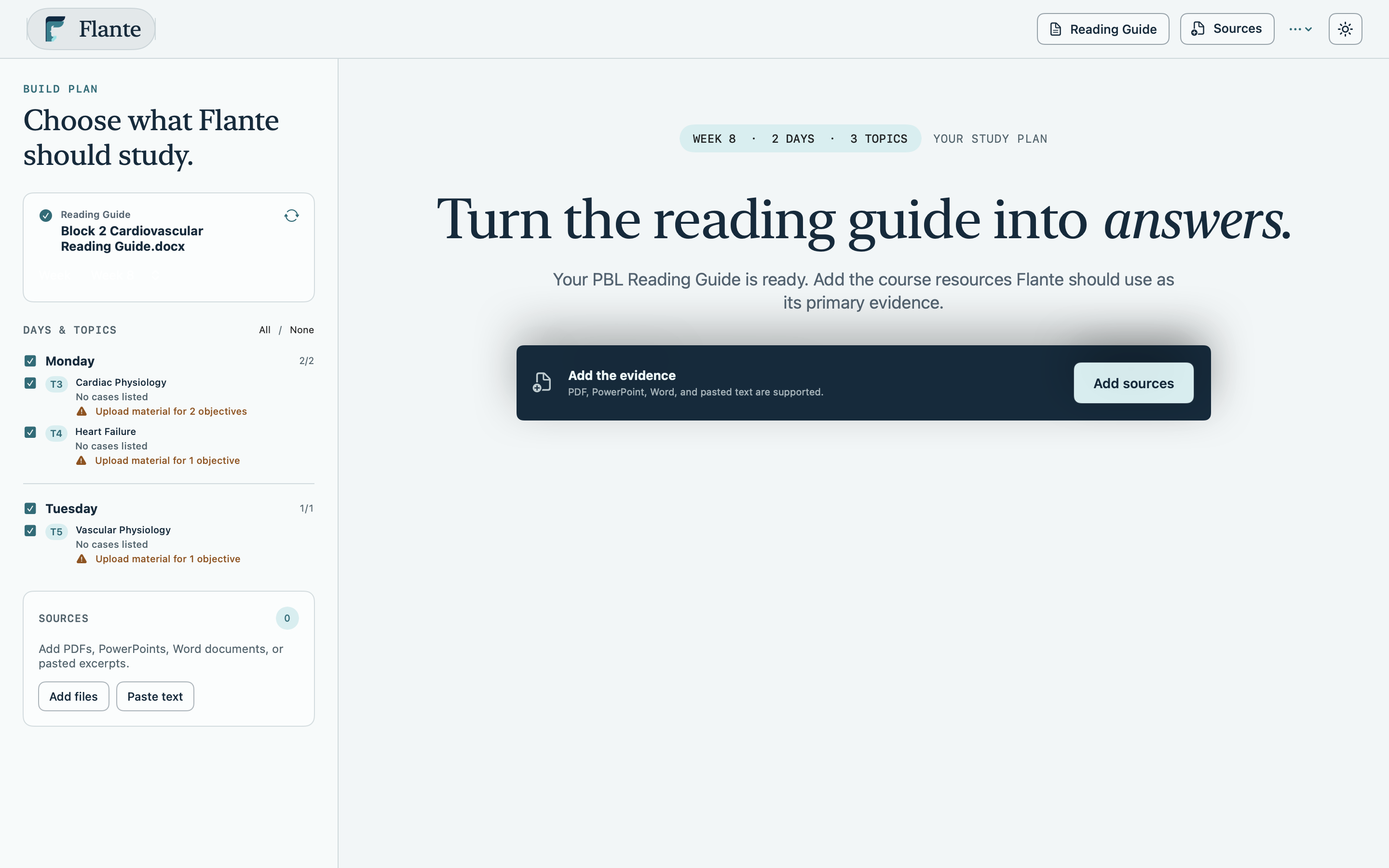
4. Check before generating
Confirm that the right days and topics are selected. Flante deduplicates a topic shared by multiple days and can process up to two topics concurrently.