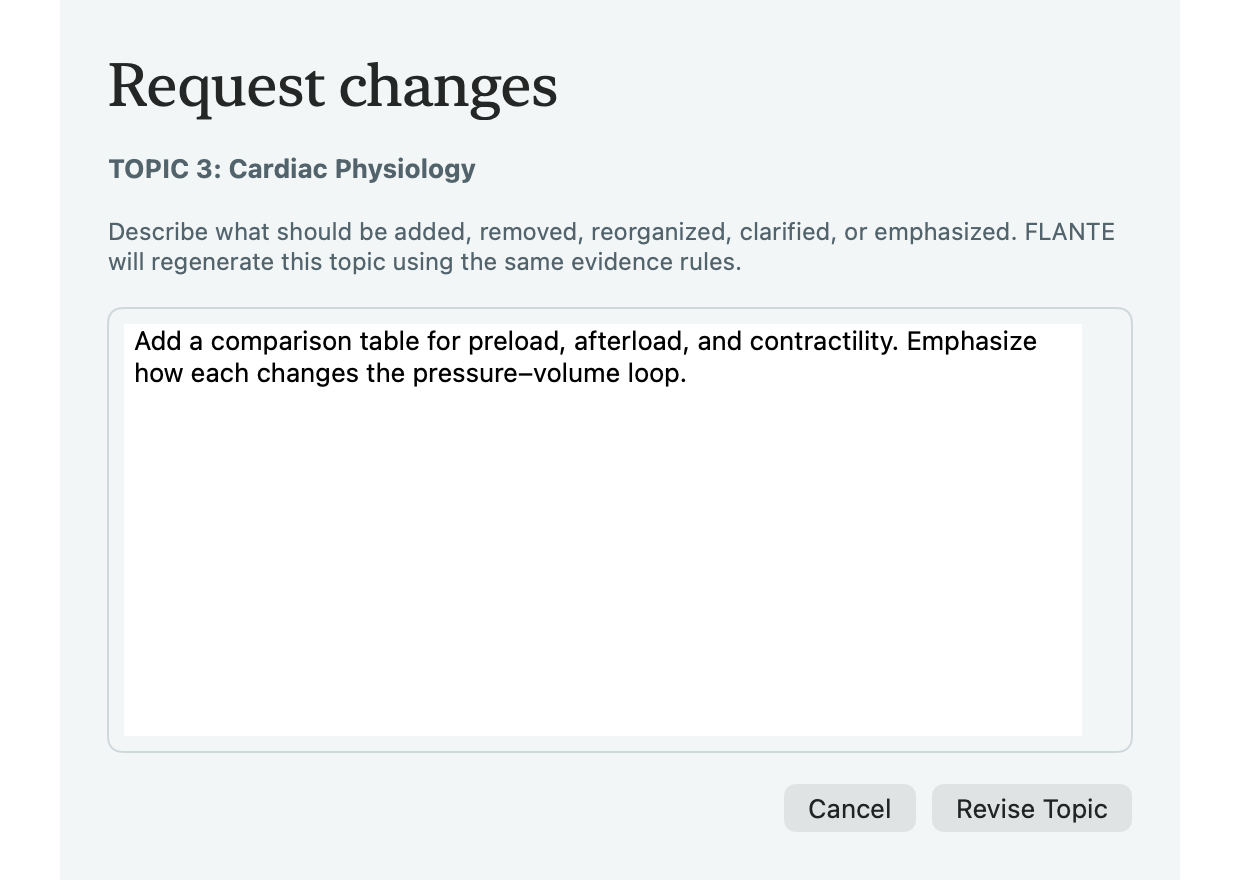
1. Start the generation plan
Select one or more topics and choose Generate. Flante shows one adaptive time estimate and explains when an unusually large topic or an additional evidence check adds time.
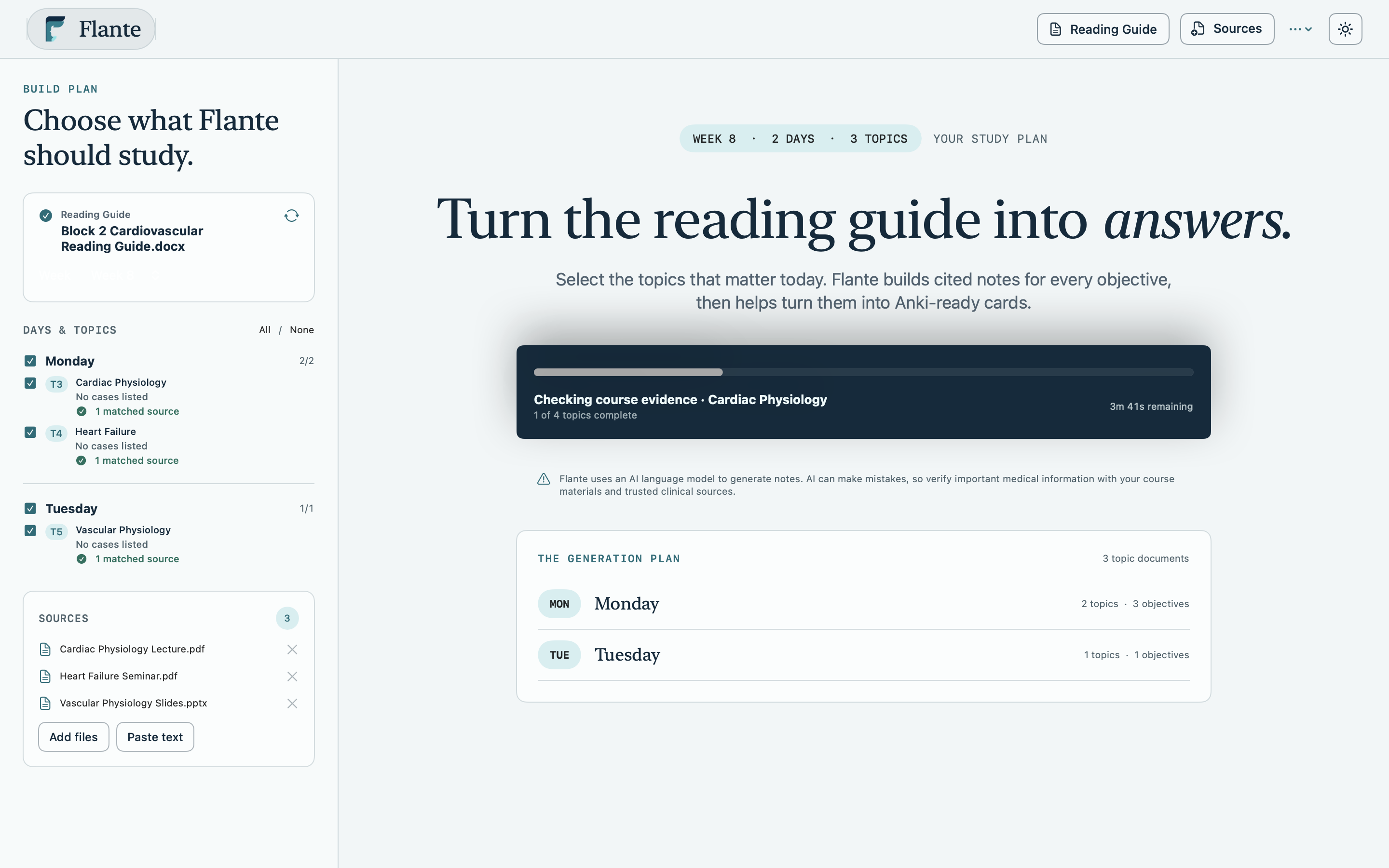
2. Read the coverage view
Start with the source key and coverage-at-a-glance table. Every numbered objective has its own teaching structure, citations, and completion status.
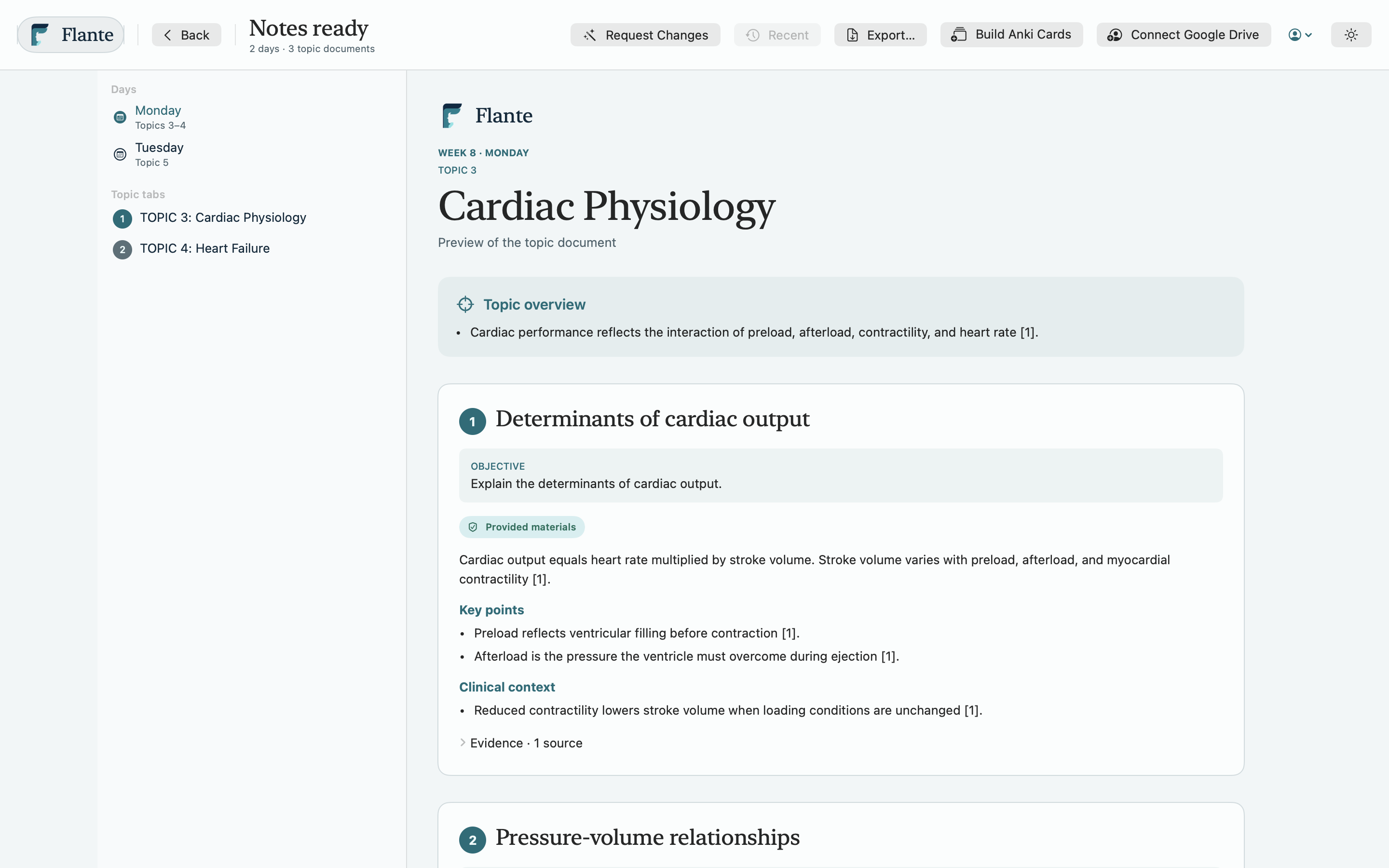
Good to know: Flante never silently substitutes external literature for your course material. The evidence origin stays visible in the preview and export.
3. Understand evidence labels
Course-supported content points to imported sources. When those sources cannot support part of an objective, Flante can use NCBI Bookshelf, StatPearls, PubMed reviews, or guidelines and labels that material External medical literature.
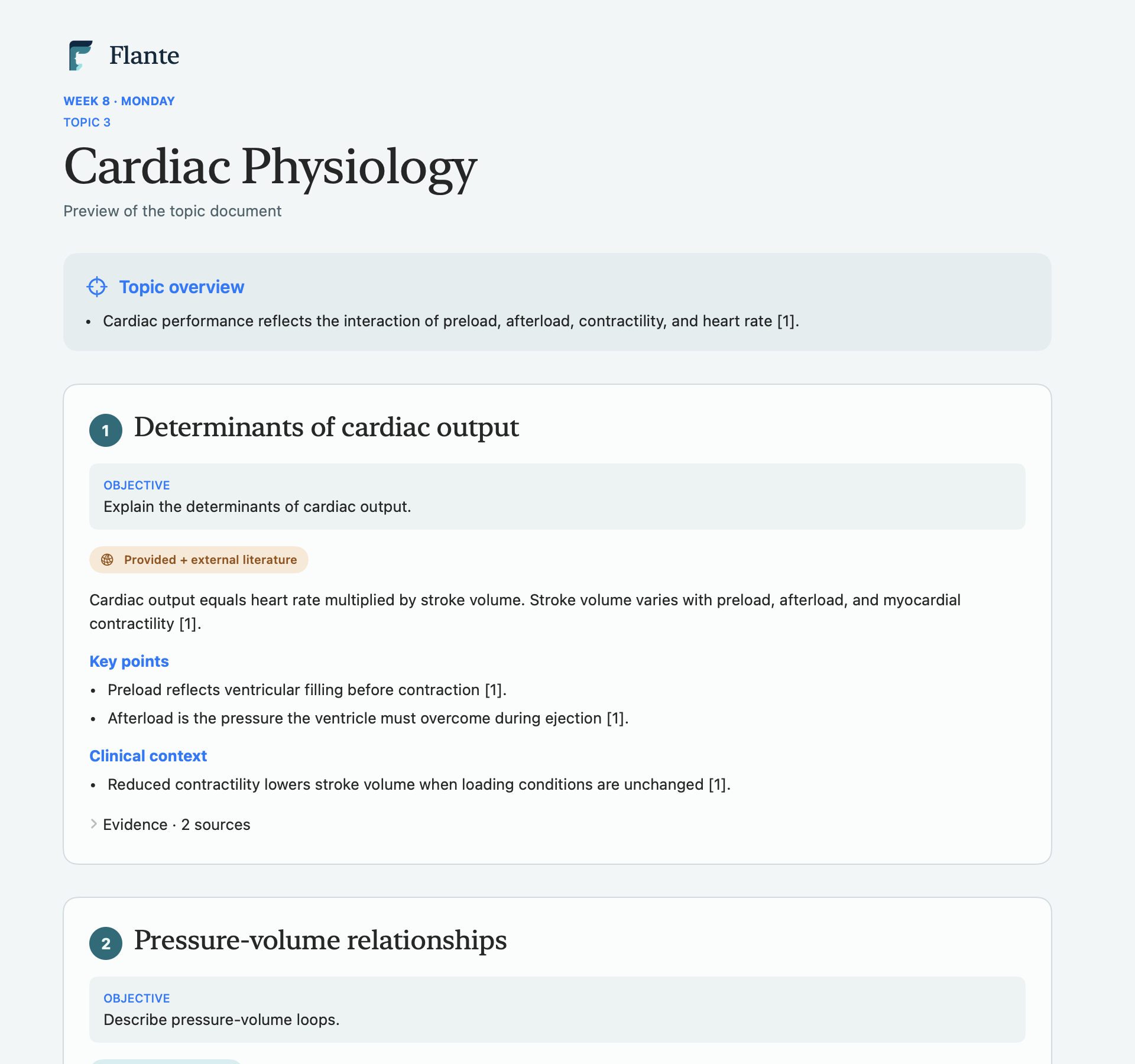
4. Request a revision
From the topic preview, describe the change you want in plain language. Flante revises the draft while preserving still-correct content, citations, and full objective coverage.